
How to Sell Books on Shopify in Just 4 Steps
Selling books today extends far beyond traditional bookstore shelves. Whether you’re a self-published author, an indie publisher, or a vintage book reseller, Shopify provides the tools needed to build a modern, professional, and scalable online bookstore. This guide explains how to sell books on Shopify effectively—from store setup and product management to shipping, marketing, and long-term growth.
Why Sell Books on Shopify?
Shopify is one of the leading e-commerce platforms available today.
If you want to sell books online, you’ll need a website builder to create your storefront, tools to manage payments and shipping, and marketing features to help you launch and grow your business.
Shopify brings all of this together in one platform—and then goes a step further—making it an ideal solution for selling books online.
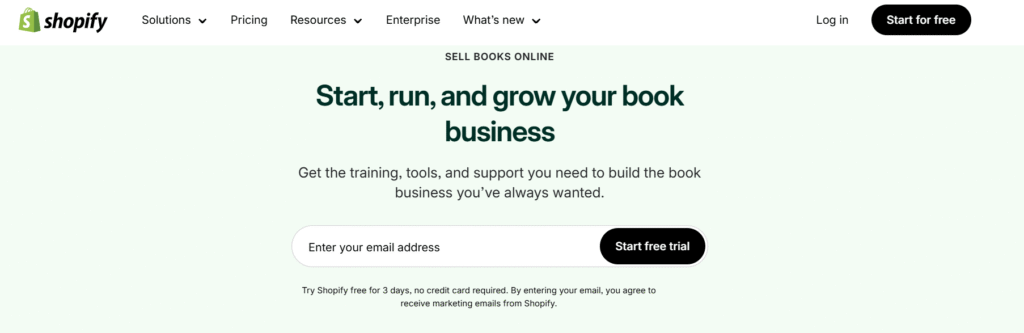
Whether you’re a self-published author, an indie publisher, or a dropshipper, Shopify helps you get started in just minutes.
Stay with us as we show you how to make the most of Shopify and build a successful online book store.
4 Steps to Sell Books on Shopify
Step 1: Find Your Niche and Suppliers
To sell books on Shopify, start by deciding what type of books you want to offer.
Some sellers choose a broad approach, such as fiction or nonfiction, while others focus on specific niches like antique books or used college textbooks. In practice, niche bookstores often attract more loyal and engaged customers.
Once you’ve defined your category, it’s time to source your inventory. You can sell your own books or work with trusted suppliers, including:
Amazon – Ideal for resellers, offering access to both new and used books through its marketplace.
Book Depot – Specializes in bulk bargain books, making it a great option for discount resellers.
IngramSpark – Provides a large global distribution network, perfect for self-publishers looking to reach libraries and bookstores.
Lulu – A print-on-demand platform suited for custom books, niche projects, or personalized editions.
AbeBooks – Known for rare, used, and out-of-print books, making it ideal for antique sellers and collectors.
You can also build relationships with independent bookstores or local used bookshops. Many sellers find valuable inventory at library sales or estate auctions—often uncovering hidden gems at these events.
Working with multiple suppliers gives you pricing flexibility and helps keep your store consistently stocked. Be sure to clarify pricing, shipping policies, and return or refund terms with each supplier.
Step 2: Set Up Your Shopify Store
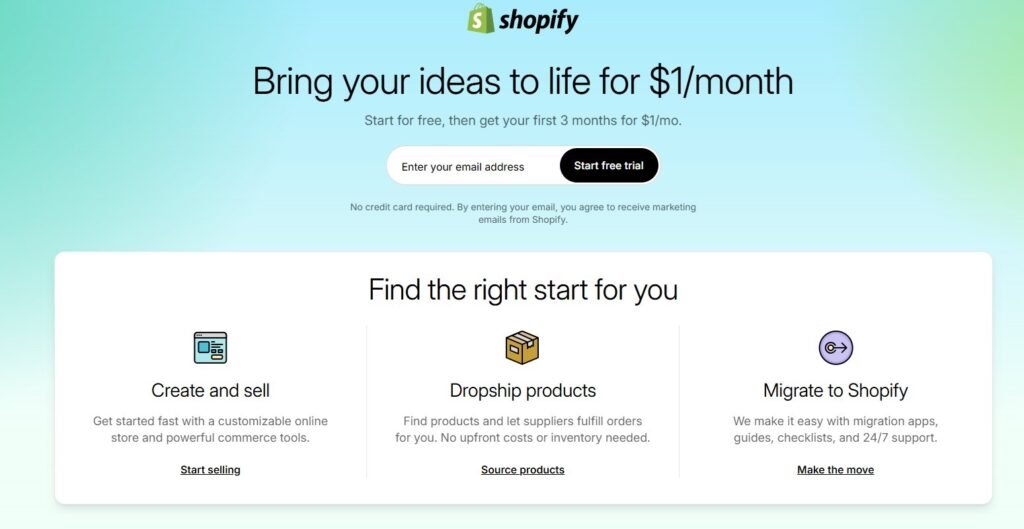
Visit Shopify.com and start a 3-day free trial. Once you’re ready to launch, choose a plan that fits your business needs.
Add Book Products
The next step in selling books on Shopify is adding your products. Go to Products > Add product in your Shopify dashboard.
Each book product page should include the following details:
Title and author
High-quality cover image
Blurb or synopsis
ISBN (adds credibility and trust)
Variants (such as paperback, hardcover, or special editions)
Well-optimized product pages help customers understand exactly what they’re buying and increase conversion rates.
Configure Shipping for Physical Books
On the same product page, scroll down to the Shipping section.
Make sure the checkbox labeled “This is a physical product” is selected if you are selling printed books. This ensures Shopify calculates shipping correctly and includes the item in your shipping settings.
Create Book Collections and Categories
In your Shopify dashboard, go to Products > Collections and click Add collection.
Organize your books by:
Genre (fiction, non-fiction, poetry, academics)
Target audience (children, students, adults)
Author or publisher
Themes or special editions (exam prep, regional literature, rare books)
Most book buyers already know what they’re looking for—a title, author, or category. A well-organized store helps them find books quickly and complete their purchase faster.
Choose a Theme and Customize Your Store
Now comes the creative part—designing your store.
Shopify’s drag-and-drop editor makes customization easy, even for beginners. From experience, themes with clean layouts and readable fonts perform best for bookstores.
Readers want to focus on:
Book titles
Covers
Categories
They don’t want clutter or unnecessary animations—many will search for a book immediately.
That’s why free themes like “Dawn” or “Publisher” work very well. They:
Highlight book covers
Support long descriptions and excerpts
Cost ₹0
If you want a more premium look, Shopify also offers paid themes, usually priced between ₹12,000–₹25,000.
Step 3: Configure Checkout and Payment Settings (India)
Shipping Setup
Set up shipping rates based on:
Weight
Delivery zones
Courier partners
For India, common shipping partners include:
India Post
Delhivery
Blue Dart
Shiprocket (popular Shopify integration)
You can offer:
Flat-rate shipping
Free shipping above a certain order value
Cash on Delivery (COD)
Payment Methods
Enable Shopify Payments or Razorpay/PayU to accept:
Debit & Credit Cards
UPI (Google Pay, PhonePe, Paytm)
Net Banking
Wallets
COD is still very important in India, especially for first-time buyers.
If you plan to sell internationally, enable multi-currency so customers can see prices in their local currency.
Step 4: Launch and Promote Your Book Store
Before launching:
Test checkout, payments, and shipping
Remove the store password (very important)
Once live, focus on bringing traffic to your store.
1. Build a Strong Brand
Create a clear identity readers can connect with—whether it’s:
Your author personality
A specific genre (UPSC, fiction, spirituality, regional books)
A mission-driven bookstore
A strong brand builds trust and repeat customers.
2. Content Marketing & Blogging
Use Shopify’s blog to:
Share book reviews
Post reading lists
Write about your publishing journey
Create exam or syllabus-based content (very effective in India)
Stores that publish useful content usually get more organic traffic from Google.
3. Email List & Newsletter
Use Shopify Email, Klaviyo, or Zoho Campaigns.
Offer:
Free chapters
Discount coupons
Early access to new releases
Then send updates about:
New books
Exam seasons
Festival offers (Diwali, New Year, Back-to-School)
4. Social Media & Influencer Marketing
Very powerful in India.
Best platforms:
Instagram
YouTube
WhatsApp Channels
Telegram Groups
Post:
Book unboxing videos
Cover reveals
Reader reviews
Behind-the-scenes content
Collaborate with:
Bookstagrammers
Education YouTubers
Regional language creators
5. Paid Ads (Optional)
Run ads on:
Meta (Facebook & Instagram)
Google Search
YouTube
Use Shopify Pixel to track results and retarget visitors who didn’t complete their purchase.
You don’t need to do everything at once. Start with 1–2 channels, test results, then scale what works.
Real Shopify Book Store Examples (Inspiration)
Here are examples of how book businesses use Shopify successfully:
Boundless Publishing Group – Uses Shopify for author-backed publishing and crowdfunding
Bookishly – Sells literary gifts, classic book sets, and art prints
Juniper Books – Offers curated book collections with custom covers
These stores combine clean design, strong branding, and smooth checkout to create a great buying experience.