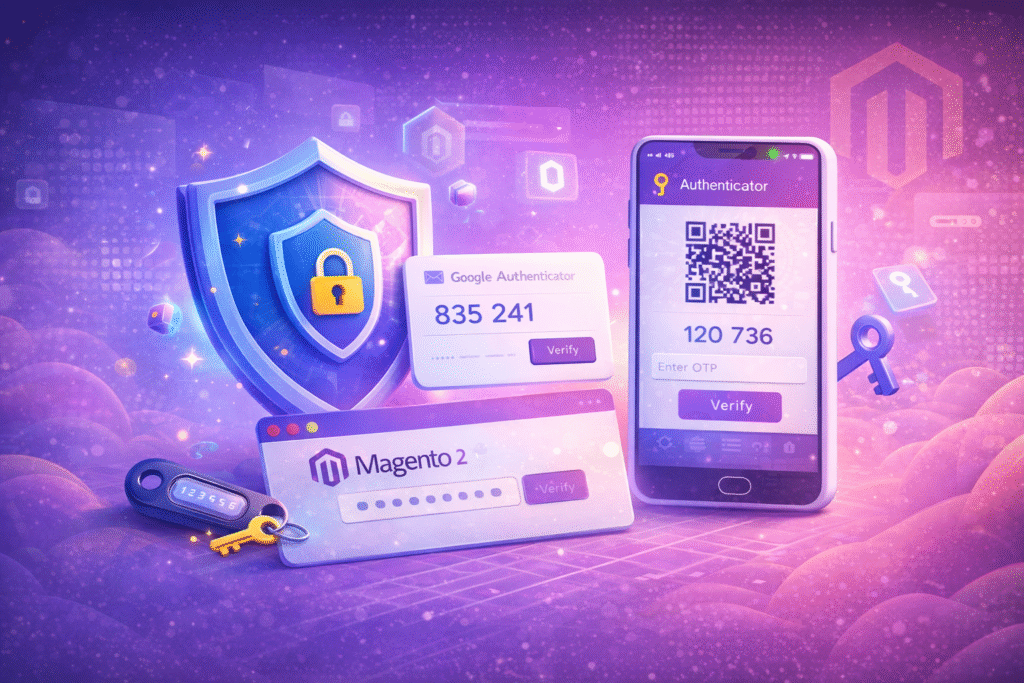
Secure your customer accounts with advanced two-factor authentication using Email OTP or Authenticator apps
Hikmadh MFA extension is designed to strengthen customer login security by introducing a second verification step. It supports both Email OTP and Google/Microsoft Authenticator (TOTP-based) authentication methods.
The module is lightweight, easy to configure, and fully integrated with Magento’s customer login flow. It ensures that only verified users can access their accounts while maintaining a smooth user experience.
Hikmadh Multi-Factor Authentication (MFA) extension adds an extra layer of security to your Magento 2 store by requiring OTP verification after login. Protect user accounts from unauthorized access and enhance trust with flexible authentication methods.
Key Features
🔐 Advanced MFA: Adds an extra layer of security using Email OTP or Authenticator App for customer login.
📧 Email OTP Verification: Sends a one-time password to the customer’s registered email to verify identity during login.
📱 Authenticator App Integration: Supports Google and Microsoft Authenticator using secure TOTP-based verification.
⚙️ Flexible Admin Configuration: Easily enable or disable authentication methods directly from the Magento admin panel.
🚫 Mutual Exclusivity Protection: Prevents both Email OTP and Authenticator from being enabled at the same time.
🔄 Seamless Login Flow: Automatically redirects users to verification and logs them in after successful OTP validation.
🔒 Secure Session Handling: Stores OTP, customer ID, and secrets securely using Magento core session.
🛡️ Protect Unauthorized Access: Blocks account access without OTP verification even if login credentials are compromised.
📲 QR Code-Based Setup: Generates QR codes dynamically for quick setup in authenticator apps during login.
⚡ Lightweight & High Performance: Built with optimized logic ensuring no impact on Magento store performance.
Stores → Configuration → Hikmadh → Two Factor Authentication
Available Settings
Enable Email OTP
Sends OTP to customer email after login
Enable Google Authenticator
Enables QR-based authentication using authenticator apps
Important Rule
Only one authentication method can be enabled at a time.
If both are enabled, the system will prevent saving configuration.
HOW IT WORKS
1. Customer logs in with email & password 2. System intercepts login using plugin 3. Based on configuration: Email OTP → OTP sent to email Authenticator → QR code displayed 4. Customer enters OTP 5. System verifies OTP 6. Customer is logged in successfully
WHY CHOOSE HIKMADH MFA?
Hikmadh MFA extension provides a secure and flexible authentication system tailored for Magento 2 stores. It enhances customer trust and protects sensitive user data with minimal configuration effort. Whether you run a small store or a high-traffic eCommerce platform, this extension ensures reliable and scalable security.