
Navigating the Audit Trail: Mastering Commercetools Merchant Center Audit Logs
Understand, track, and investigate every administrative change with powerful filtering, historical insights, and comprehensive audit visibility in Commercetools Merchant Center.
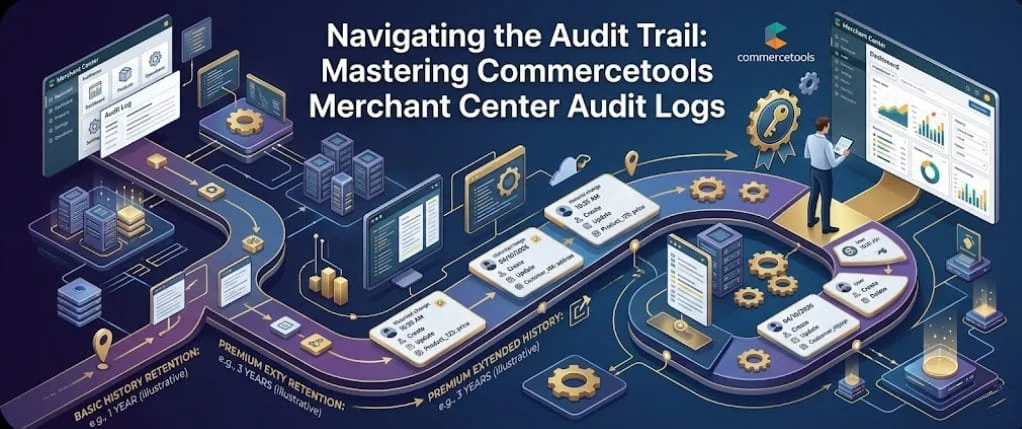
In the complex world of e-commerce management, maintaining visibility over who did what—and when—is crucial for security, accountability, and debugging. For businesses operating on the Commercetools platform, the Merchant Center provides a definitive tool for this visibility: the Audit Log.
Let’s break down how this interface works, how to use it effectively, and why you might need more than the basic view
Visual Analysis: Deconstructing the Interface
Referring to the standard Merchant Center interface shown below, we can see a clean, intuitive layout for tracking system changes. Let’s analyze the key components of the Audit Log view (currently titled “Change history”):
Context and Scope
The top bar reminds us of our operational context:
DEV-SG-1
You know exactly which project environment’s logs you are viewing.
en-SG
Context matters for localized product or price changes.
The Main Query Area
The central section is where you interact with the historical data. The default view when you land here is focused on current activity.
The "Today" Filter
The primary filter is set to "Today". This is designed for rapid troubleshooting of recent issues. If something broke five minutes ago, this is your first stop.
Activity Results
Administrative activity for the selected time frame
No Activity Entries Found
There are no entries logged for the selected time frame.
0 RECORDS FOUNDNote: This empty state is normal if no administrative changes have occurred within the last 24 hours.
3.Advanced Filtering
While the date filter is primary, the blue “Filters” text adjacent to it allows for much deeper dives. When dealing with hundreds of changes a day, you often need to filter by:
Action Type:
(e.g., Created, Updated, Deleted)
Resource Type:
(e.g., specific Product, Category, or Customer ID)
The "Who":
The specific administrative user or API client that initiated the change.
4.The Change History Sub-Tab
The primary view shown here is the “Change history.” This indicates a detailed view of entity-level modifications (e.g., “User X changed the price of Product Y from $10 to $12”). The interface clearly separates this type of historical data.
changed the price of Product Y
Key Feature: The Basic vs. Premium Distinction
Perhaps the most important feature visible on this screen is the distinction between service levels, highlighted by the buttons in the top right:
Basic
The current view is likely utilizing the “Basic” history tracking. This typically has a limited data retention period (e.g., 30 or 60 days of history). This is great for day-to-day operations but insufficient for long-term audits.
PREMIUM
Commercetools offers a Premium Audit Log feature. Upgrading unlocks extensive, often unlimited, historical data retention.
Why Go Premium?
While the Basic log is excellent for immediate troubleshooting, a business with complex compliance requirements or large-scale operational needs cannot afford a historical blind spot.
Compliance and Security:
Many industries require years of activity logs to meet regulatory standards (e.g., GDPR, SOC 2). Premium retention periods are designed to satisfy these long-term legal and auditing requirements.
Long-Term Debugging:
Consider an inventory discrepancy discovered six months after it happened. A basic log won’t show you the crucial pricing update made four months prior that might be the source of the issue. Premium history lets you investigate the root cause of issues, no matter how distant they are.
Comprehensive Accountability:
The ability to trace a specific configuration change or data deletion back months or years is invaluable for internal quality control and conflict resolution.
Conclusion: Making Hindsight 20/20
The Commercetools Merchant Center Audit Log is not just a passive recorder; it is your first line of defense in understanding the operations of your project. By utilizing the filtering tools and recognizing the critical value of Premium data retention, you move from reactive troubleshooting to proactive operational mastery.
If your business needs the assurance that every administrative action is accounted for, the investment in Premium visibility is essential. Don’t wait for a crisis to realize your history has already been erased.